
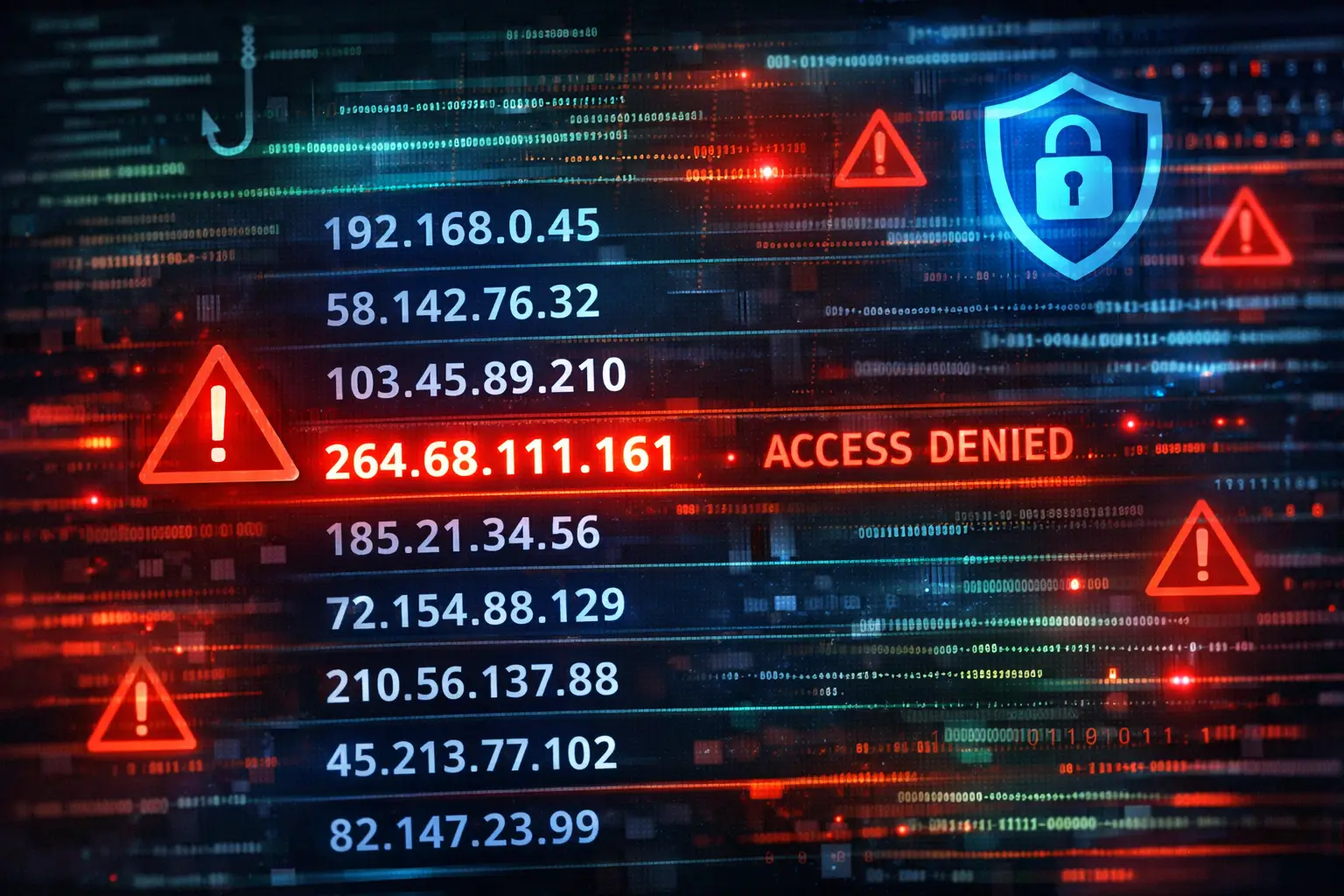

If you’ve ever scanned a server log, a spam email, or a suspicious analytics report and spotted 264.68.111.161, you probably felt that tiny jolt of panic: Who’s knocking on my system? Here’s the twist—this “IP address” isn’t just suspicious. It’s impossible. And that’s exactly why you should pay attention.
In the AI era, where bots generate traffic, attackers automate phishing, and defenses lean on machine learning, odd patterns like this can be a gift: they’re a bright neon sign that something in your pipeline deserves a closer look.
Why 264.68.111.161 is not a valid IP address
An IPv4 address is written as four numbers separated by dots (like 198.51.100.25). Each number is an octet—an 8-bit value—so it can only range from 0 to 255.
That’s the whole story… and also the smoking gun.
The first octet in 264.68.111.161 is 264.
264 is greater than 255.
Therefore, the address is not valid in IPv4.
So if it’s not real, why does it appear in real places?
Why a fake IP shows up in logs, emails, and “security alerts”
Think of 264.68.111.161 as a digital prop. It can appear for a few common reasons—some harmless, some not.
1) Placeholder data and sloppy tooling
Developers sometimes use “obviously fake” values in examples, test data, tutorials, or templates. If that placeholder leaks into production (or into a report), you’ll see it again and again.
2) Spam and phishing social engineering
Phishing campaigns love technical-looking details because they create urgency. An email that says, “We detected unusual login from 264.68.111.161” feels credible—especially to non-technical readers. But the invalid octet is the tell.
DotMagazine-style warnings have highlighted that this fake IP can appear in spam/phishing contexts precisely because it looks believable at first glance.
3) Log injection / broken parsing
Sometimes the IP isn’t “the attacker.” It’s your pipeline choking:
- A malformed field
- A misread delimiter
- A tool that accepts any dotted string without validating ranges
In that scenario, your log integrity is the real issue.
4) “Noise” from bots and scraping ecosystems
Modern bot traffic is chaotic. Some low-quality tools or scripts may stuff arbitrary values into headers or request fields. Even if the value doesn’t represent a real origin, it can still pollute analytics, trigger alerts, or waste your team’s time.
The modern (AI-era) risk: it’s not the IP, it’s the story
Here’s what makes this worth an article in 2026: AI has changed the economics of deception.
Attackers can generate thousands of “legit-looking” support tickets and phishing emails.
Bots can spam forms and logs at scale.
Synthetic traffic can distort dashboards and “security summary” tools.
So when 264.68.111.161 appears, the question becomes:
Is this an honest mistake… or an automated attempt to manipulate humans and systems?
What to do when you see it (safe, practical steps)
Step 1 — Don’t click first. Verify first.
If you see it in an email:
- Don’t click links or download attachments.
- Check the sender domain carefully (not just the display name).
- Look for pressure tactics (“act in 30 minutes”).
Step 2 — Validate the data at the source
If you see it in logs or a SIEM:
- Confirm which field it came from (client IP, X-Forwarded-For, a custom header, form input).
- Check whether your logging stack validates IP formats.
- Compare against adjacent entries: user agent, path, timestamp patterns.
Step 3 — Add guardrails (the boring fix that saves you later)
- Validate IPs at ingestion (app level or pipeline level).
- Normalize fields (reject or tag malformed IPs).
- Rate-limit abusive endpoints (forms, login, search).
Step 4 — Use AI where it actually helps: anomaly detection
AI security tooling is best when it’s doing pattern recognition, not “magic.”
Good uses:
- Clustering weird events (same endpoint, many malformed IPs).
- Flagging spikes (sudden surge of invalid addresses).
- Summarizing correlated signals (user agent + path + time window).
A simple rule-based check (“octets must be 0–255”) catches this specific case, but ML can help you spot the campaign around it (especially if attackers vary the strings).
Quick checklist: “264.68.111.161 showed up — now what?”
- Confirm it’s invalid (octet > 255).
- Identify where it appears (email, web logs, firewall, SIEM).
- Determine if it’s user-provided input, a header, or a parsed field.
- Search for repeats (same endpoint, same sender, same time window).
- Tighten validation at ingestion (reject or tag malformed IPs).
- If it came from email: report as phishing internally and warn staff.
Publisher note: add your hyperlink in CMS using this anchor text once: 264.68.111.161.
FAQ
Is 264.68.111.161 dangerous by itself?
Not directly. It’s not routable as an IPv4 address. The danger is what it may indicate: phishing, bad data, or broken validation.
Could it be an IPv6 address?
No—IPv6 doesn’t use four dotted decimal octets like this.
Should I block it in my firewall?
Blocking a non-existent IPv4 address won’t do much. Focus on validation, rate limits, and phishing-resistant processes.
Final thought
In 2026, the biggest threats aren’t always “clever hacks.” Sometimes they’re tiny inconsistencies used to trick humans—or to exploit messy data systems. If you treat weird artifacts like 264.68.111.161 as a signal (not a mystery), you’ll build faster instincts and cleaner defenses.
For more practical AI + tech explainers, threat breakdowns, and security basics, explore ScopMagazine’s AI and Tech sections.